The Rounded Rectangle Tool
How often do you use the rounded rectangle tool? Almost never right? In today's episode, the rounded rectangle tool comes in handy as we create our icon. The rounded rectangle tool helps us create are shape and there are enough options available for us to be really specific.
Sampling Colors
Next we sample colors from the actual iOS 8 app and use a gradient to color our rounded rectangle.
Logo and Finishing Touches
Next we place our logo right in the center of our shape using some alignment tools. And to finish it all off we add a drop shadow, turn the background transparent, and save it out as a png file.
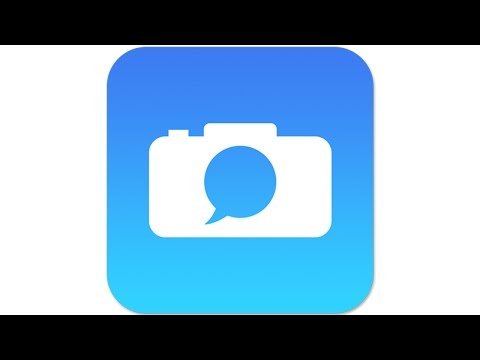
How often do you use the rounded rectangle tool? Almost never right? In today's episode, the rounded rectangle tool comes in handy as we create our icon. The rounded rectangle tool helps us create are shape and there are enough options available for us to be really specific.
Sampling Colors
Next we sample colors from the actual iOS 8 app and use a gradient to color our rounded rectangle.
Logo and Finishing Touches
Next we place our logo right in the center of our shape using some alignment tools. And to finish it all off we add a drop shadow, turn the background transparent, and save it out as a png file.
Comments
Post a Comment